
QR codes to download
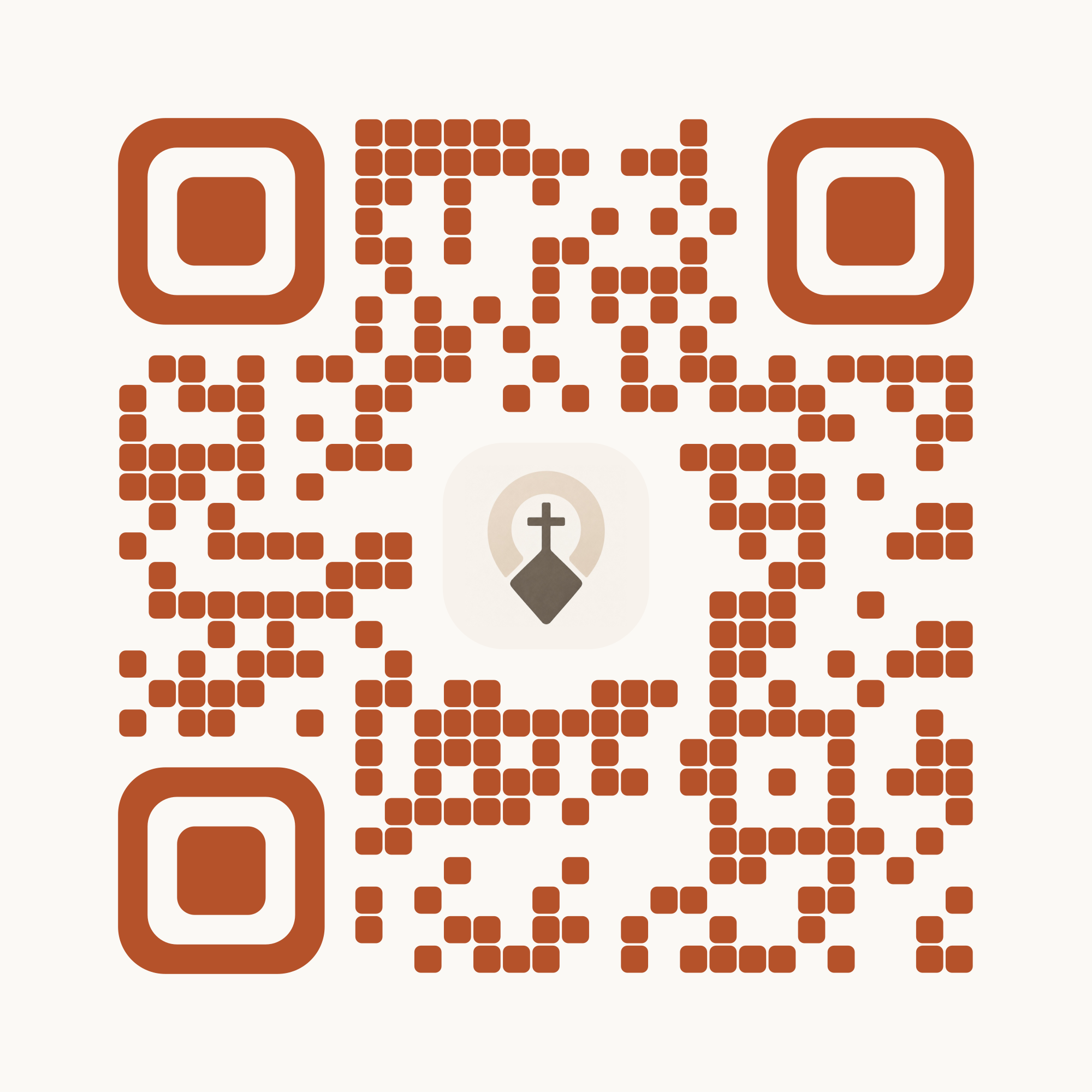
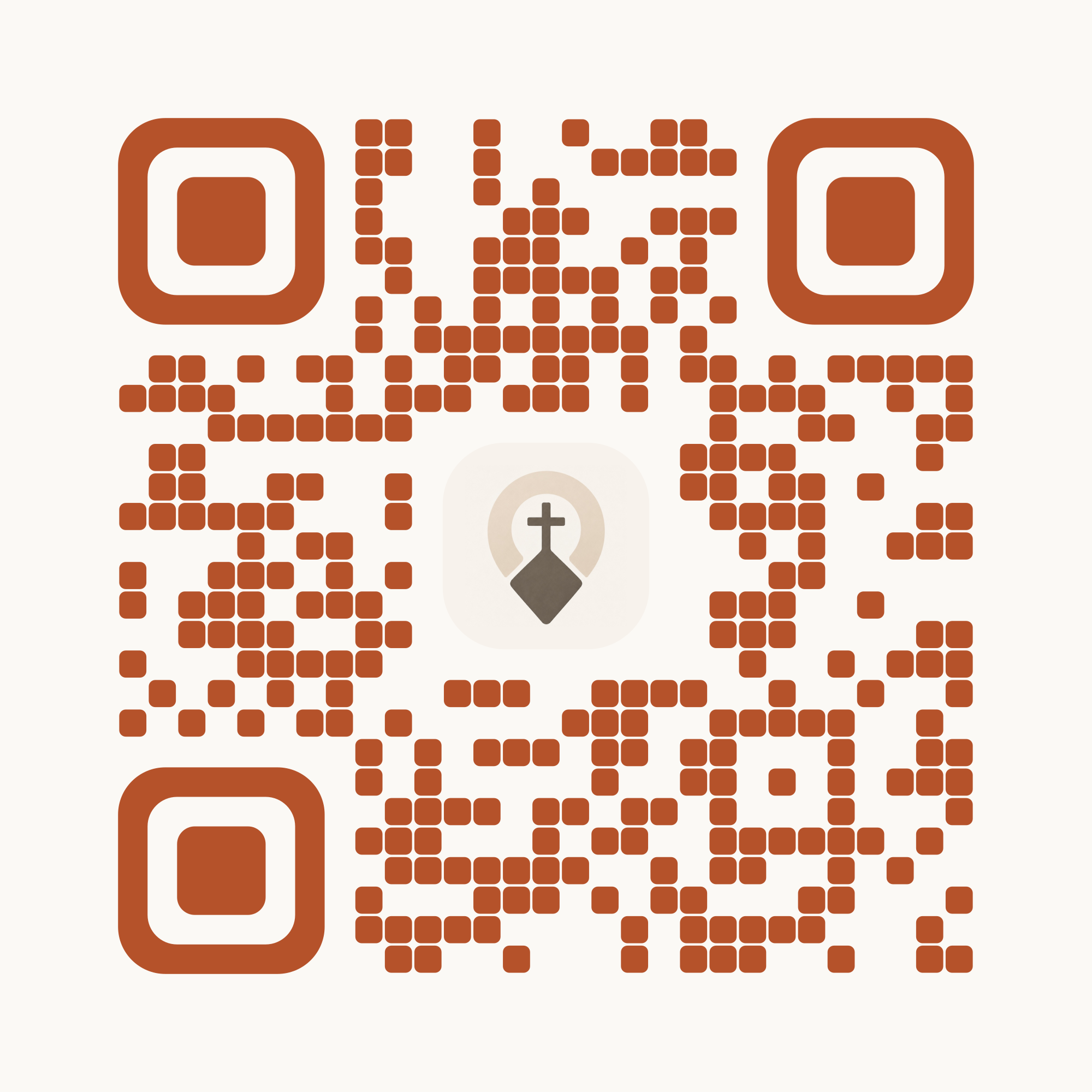
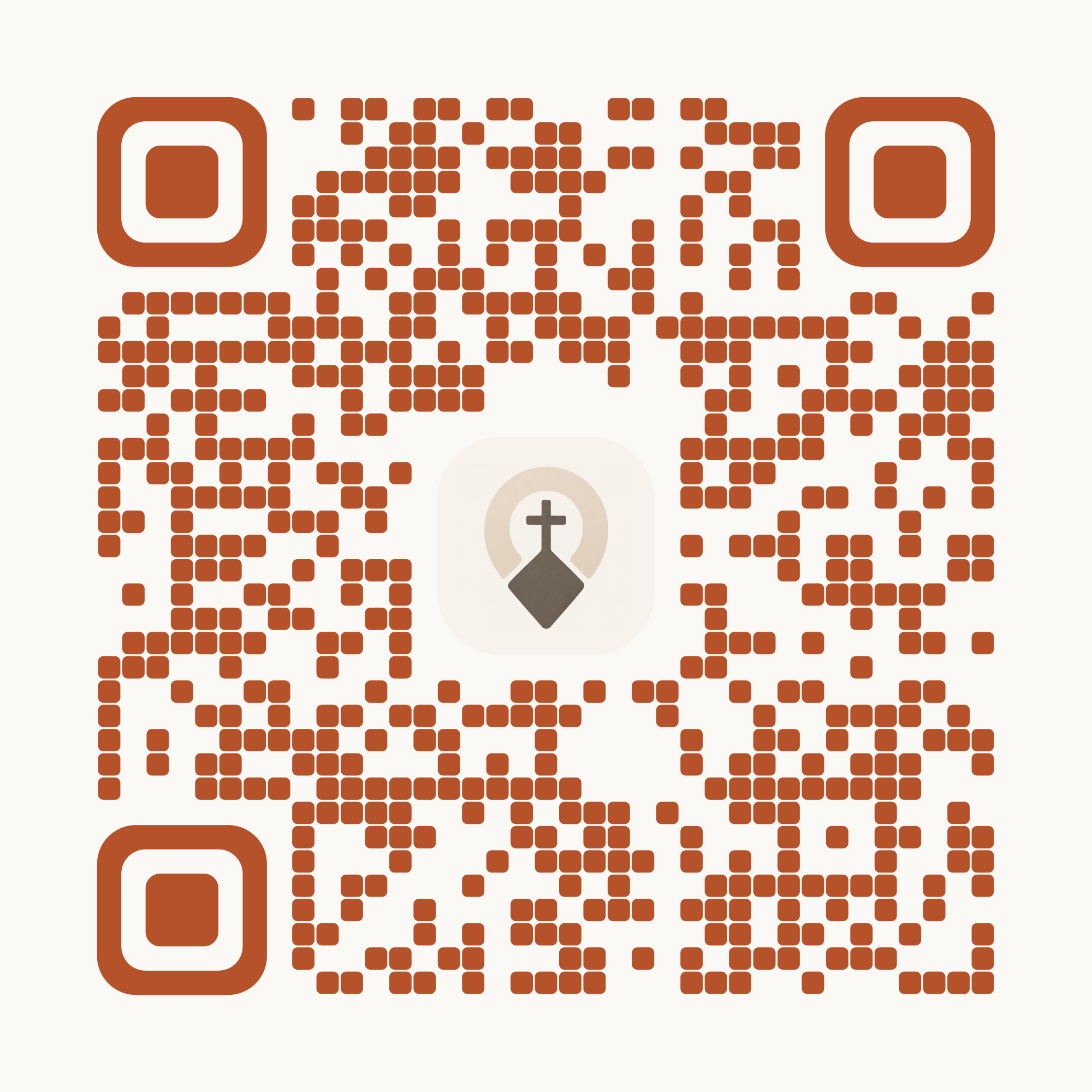
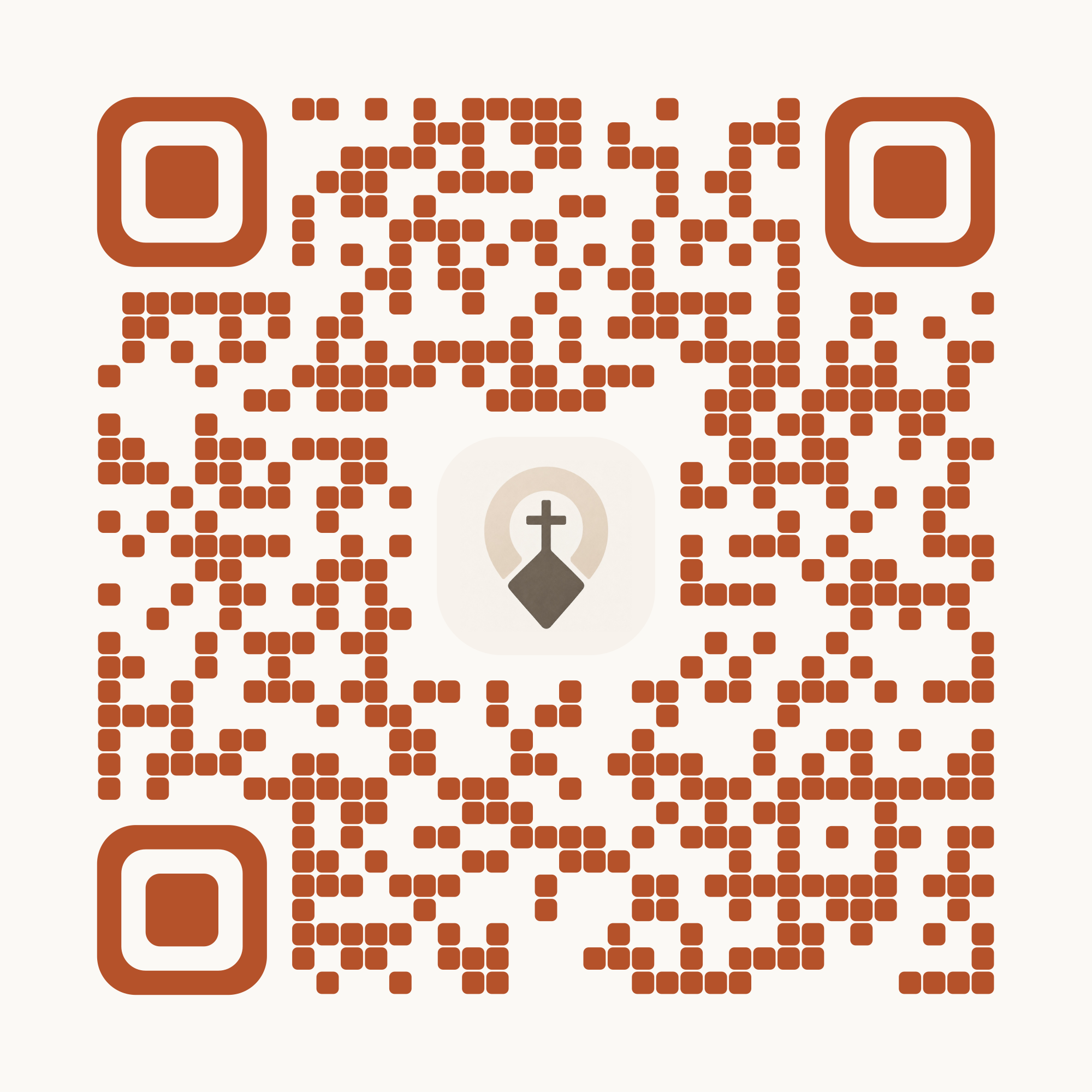
For posters, flyers and the projector slide in your service. Download the code you need and place it in your design.
The codes
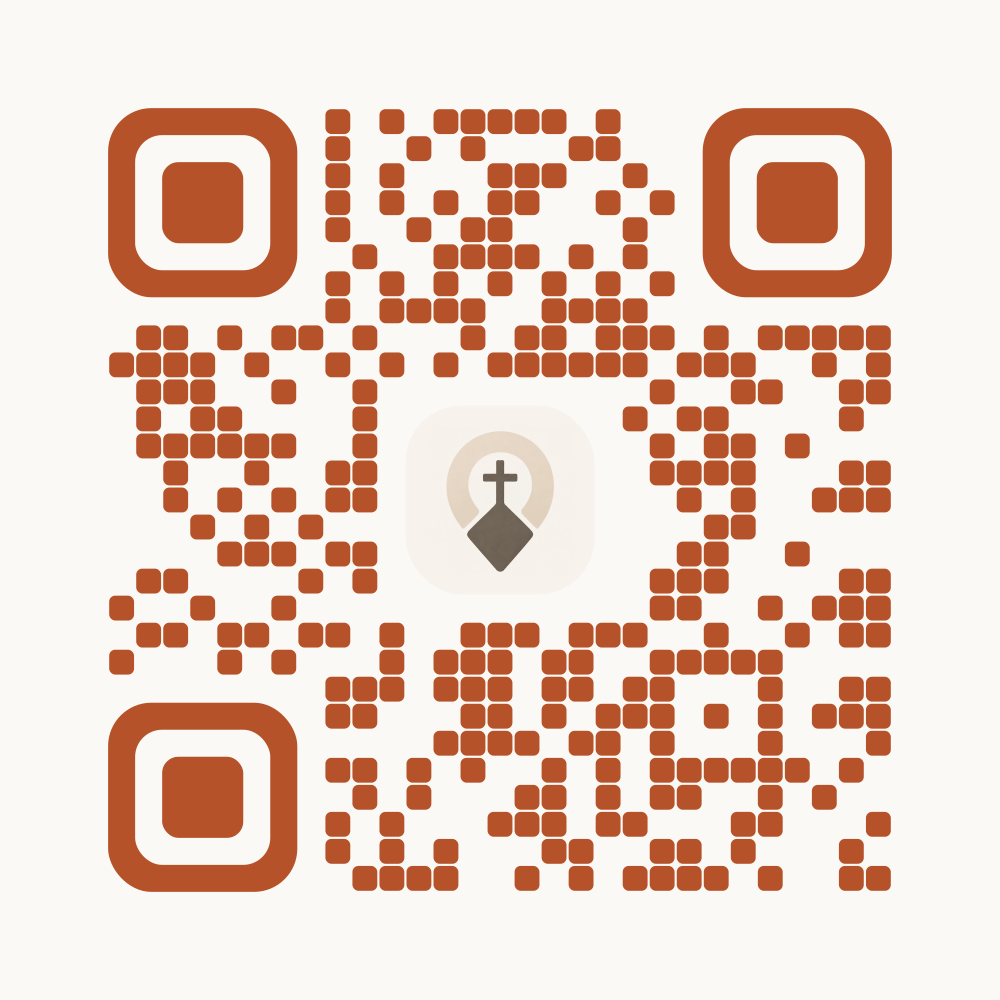
Get the app
Sends iPhones to the App Store and Android phones to Google Play. On a computer it opens a page with both options. If you only put up one code, use this one.
churchpoint.de/app
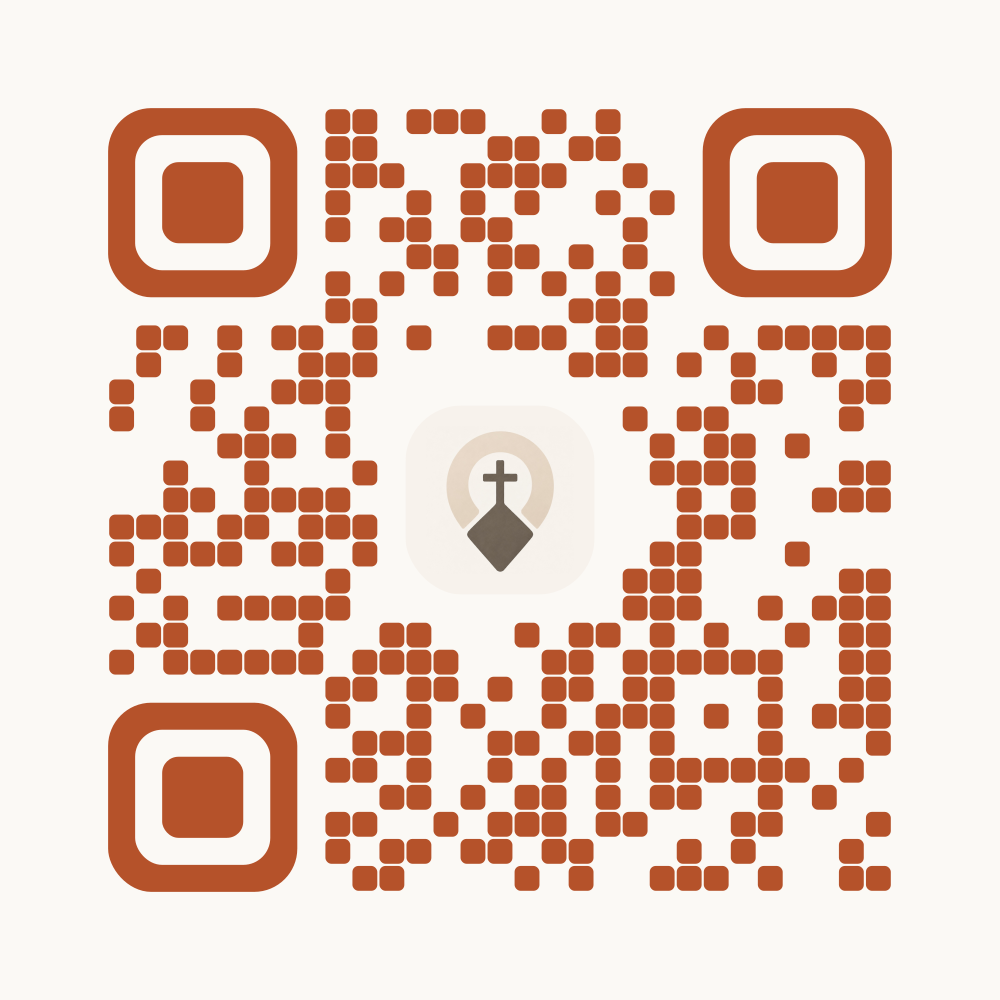
Home page
Opens the Churchpoint home page.
churchpoint.de
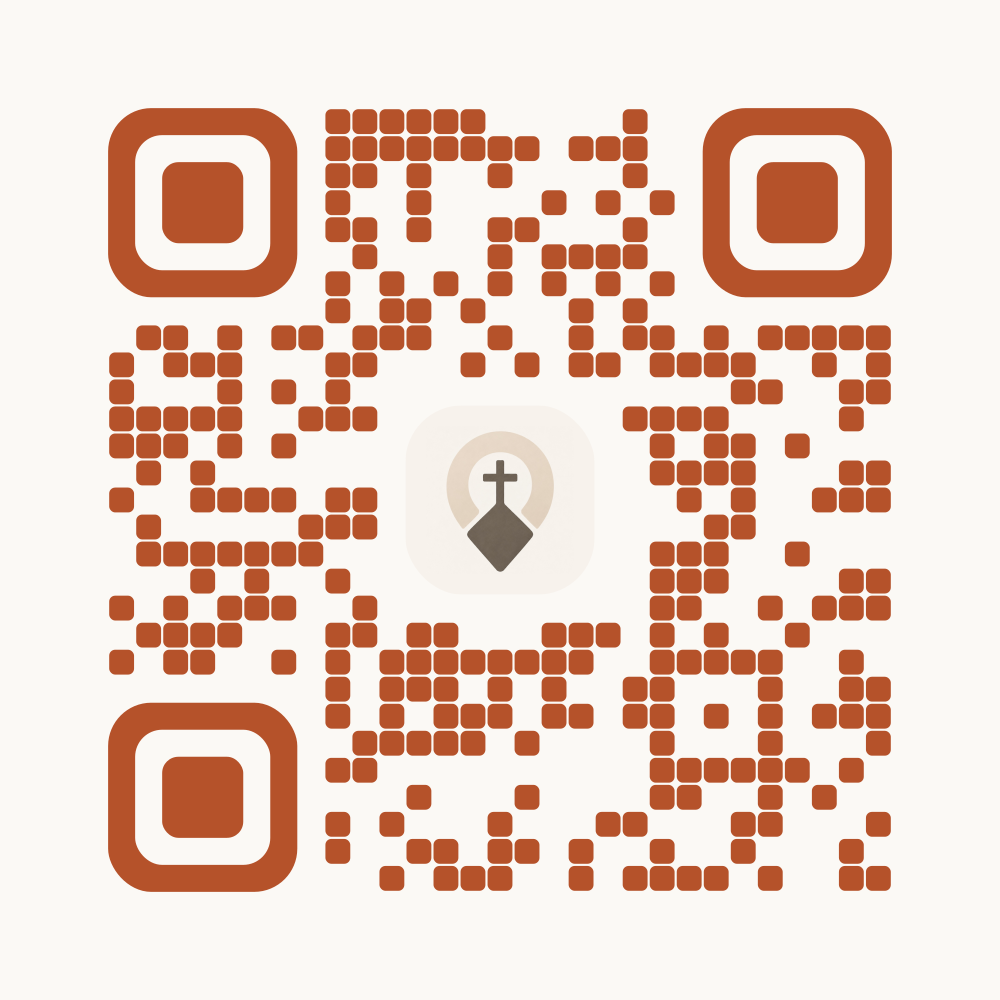
Events
Opens the list of upcoming events.
churchpoint.de/events
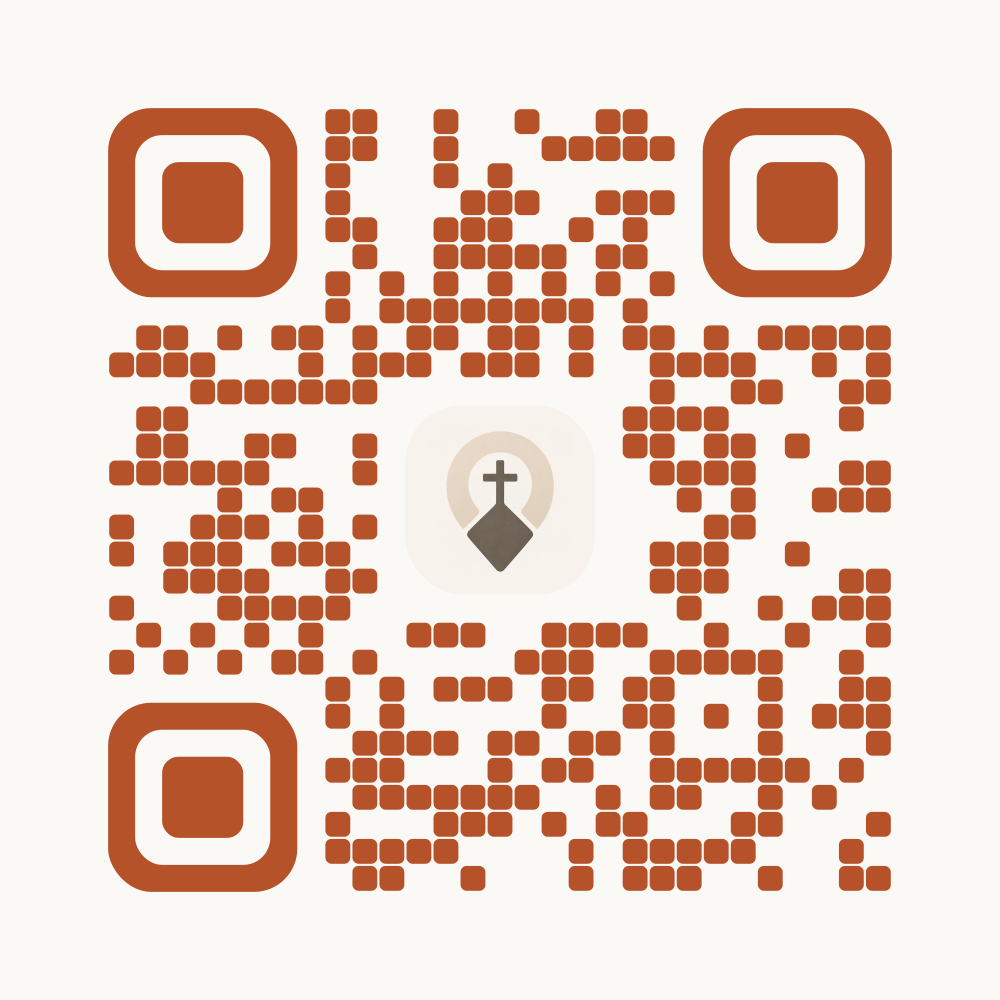
Calendar
Opens the calendar with the dates.
churchpoint.de/kalender
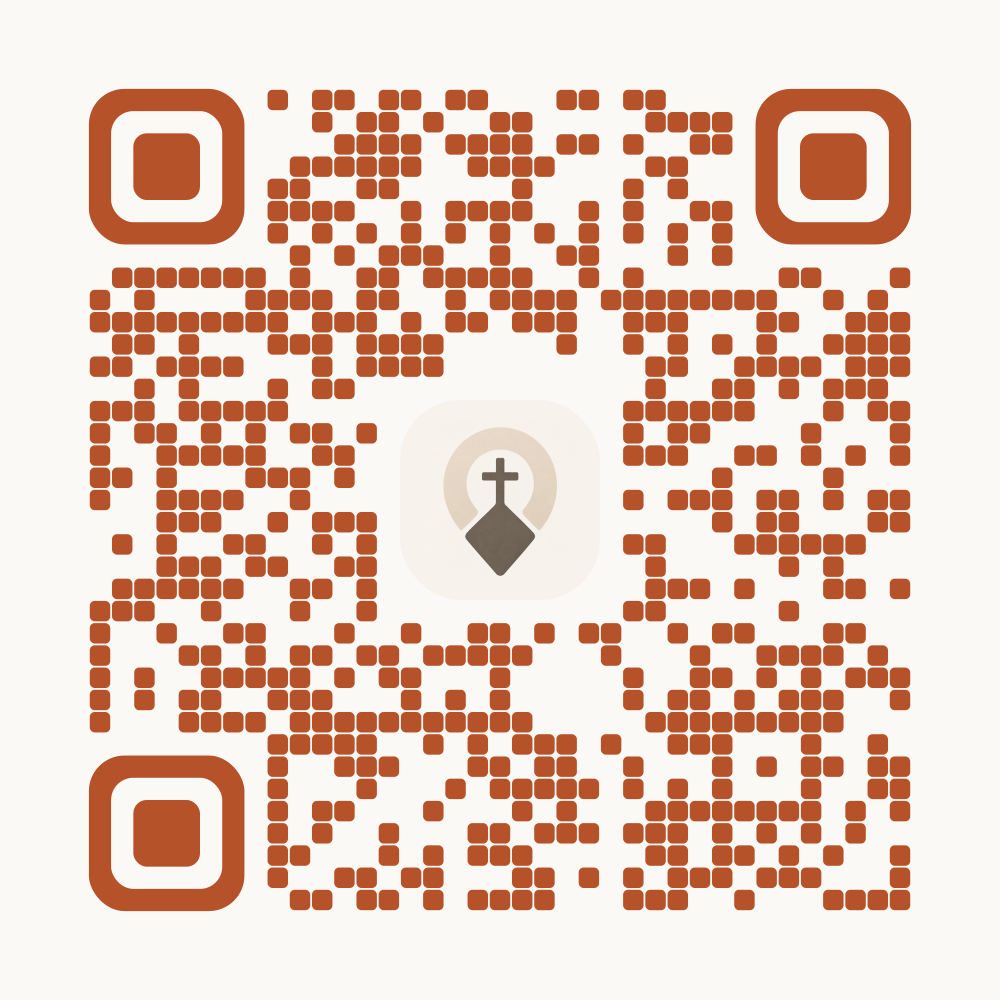
App Store
Opens the app directly in the App Store. Only for iPhone and iPad.
apps.apple.com/app/churchpoint/id6757445713
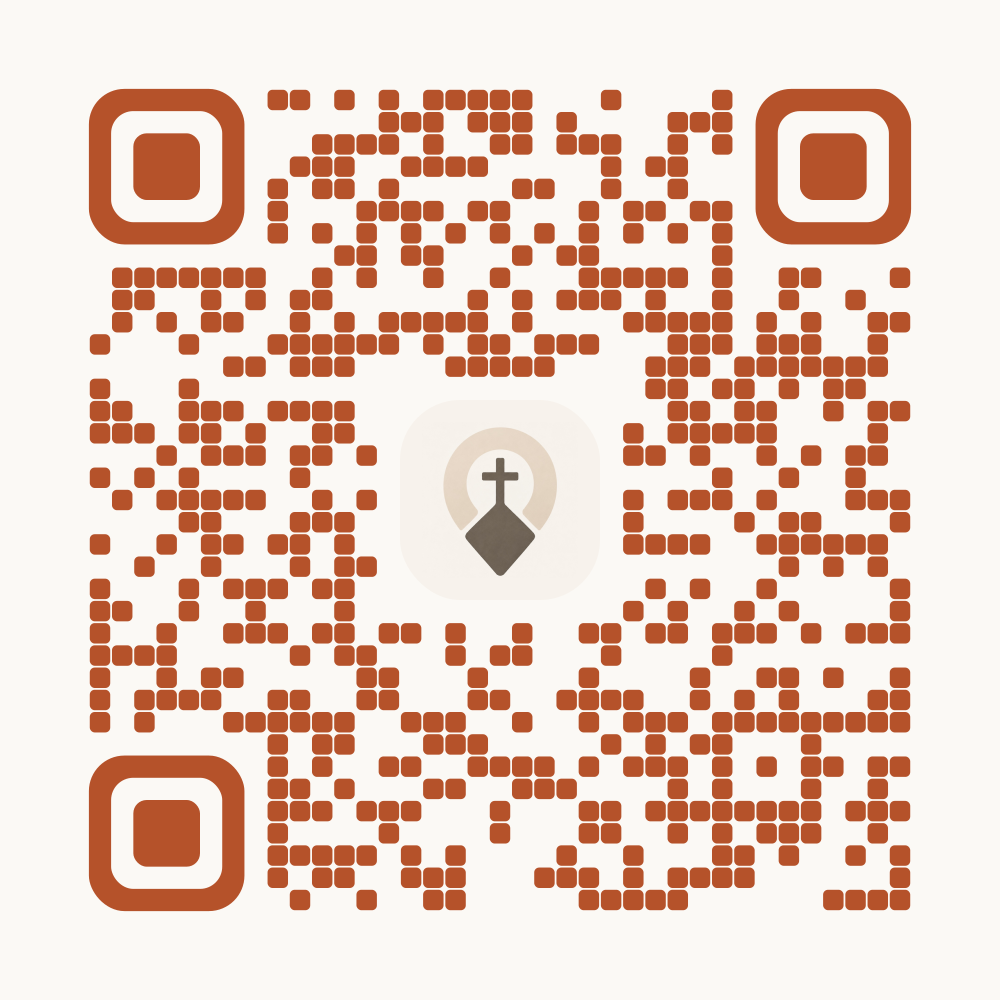
Google Play
Opens the app directly on Google Play. Only for Android.
play.google.com/store/apps/details?id=de.churchpoint
PNG or SVG
PNG works for Word, Canva and presentations, the file is 2000 pixels wide. SVG stays sharp at any size and is the better choice for a print shop.
When printing
Print the code at least 2 cm wide. On posters seen from a few metres away, make it clearly larger. Keep the light border around the code free and test it once with a phone before printing.